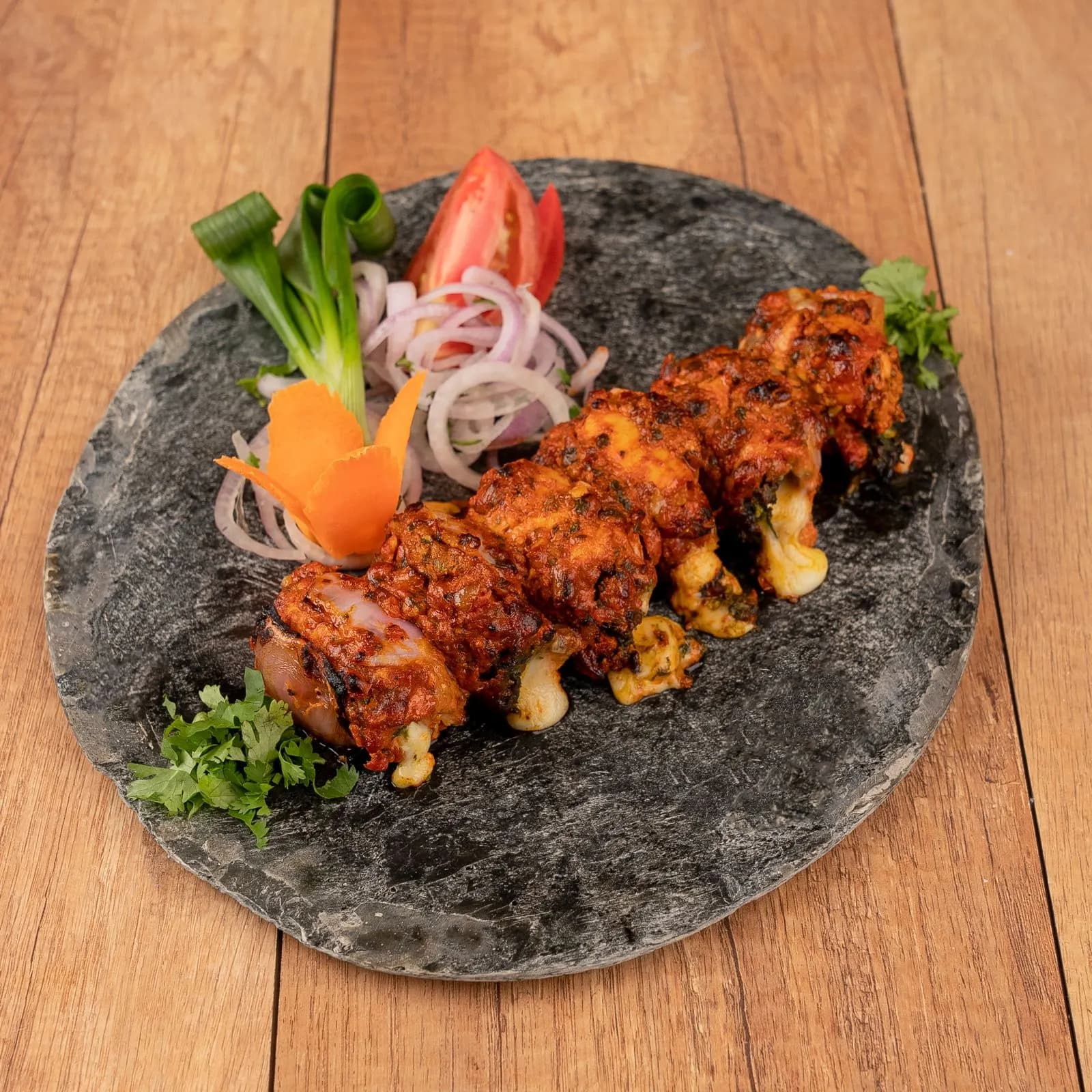
 Photo © Chakra
Have us run it
Want this handled every week?
On a plan, the same person at Nlyten runs your Swiggy and Zomato week to week: ads, offers, menu and payouts, with one set of numbers everyone trusts.
Signing up takes an afternoon if the papers are ready. The terms you agree to shape your menu and your money long after.
31 Oct 2026 · 5 min read
The short answer
To add your restaurant on Zomato or Swiggy, get your FSSAI registration or licence, PAN and GSTIN in place first, then sign up through the platform. Swiggy's partner page lists three steps (install the Swiggy Owner App, register with your phone number, enter your restaurant details) and asks you to keep your FSSAI licence, menu, bank details, GSTIN and PAN card handy. Zomato enrols you through a Restaurant Partner Enrolment Form, and its partner terms let it ask for your PAN, TAN, GSTIN and FSSAI certificates at any time and delist you if you do not provide them.
From paperwork to first order
Both platforms ask for the same core papers, so sort them first. Every food business needs FSSAI registration or a licence. From 1 April 2026, registration covers turnover up to ₹1.5 crore, a State licence ₹1.5 crore to ₹50 crore, and a Central licence above that. You apply on FSSAI's FoSCoS portal. Both platforms also ask for your GSTIN, and Zomato's terms add TAN. On orders placed through the platforms, the platform pays the 5% GST on the food. Ask your accountant how that fits your own registration.
Swiggy's partner page sets out three steps: install the Swiggy Owner App, log in or register with your phone number, and enter your restaurant details. It asks you to keep five things handy: a copy of your FSSAI licence, your menu, your bank details, your GSTIN and a copy of your PAN card. Swiggy says it can get a restaurant delivery-ready in 24 hours. In practice that clock only starts once every document is clear and matches the outlet's name and address. Logging in means you accept Swiggy's Merchant Terms. They require a valid FSSAI licence, with a clear image of it shown on your listing. You must keep the menu up to date and remove items you cannot serve. No single-use plastic in packing or cutlery, and no third-party branding, including Swiggy's competitors', on orders Swiggy delivers. Swiggy takes its service fees, other charges and the GST on them out of a weekly settlement. Orders you cancel can carry a penalty, and the call-centre services fee is waived for a new restaurant's first two weeks.
On Zomato you sign a Restaurant Partner Enrolment Form, and its partner terms become a binding agreement. The form is where your fees and settlement choice are set. Along with it you supply your restaurant's name and logo, menu items and their photos, prices, opening hours, the tax rates you charge, and the areas you deliver to. The terms let Zomato ask for your PAN card, TAN, GSTIN and FSSAI certificates at any time, and delist a restaurant that does not provide them. The form can also set a one-time, non-refundable sign-up fee. Read the form for the amount before you sign. Zomato's published terms were last updated on 13 February 2023, and the form you sign can set its own terms, so read both. We checked every term quoted on this page against the published versions of Zomato's and Swiggy's terms on 2 November 2026.
Signing up on each platform
Swiggy
Source: Swiggy partner page
Zomato
Source: Zomato partner terms
Zomato's terms say you can charge the customer only for food, beverages and packaging. Your prices on Zomato must be equal to or lower than on your own channels: dine-in, takeaway, your own delivery, website or app, with packaging charges counted in the price. If you make smaller portions for Zomato, their price must be proportionate or lower. Any item you deliver through your own channels, such as your website or app, must also be available on Zomato. Item names and photos must be accurate, and you must own or have the rights to every photo and logo you upload. Running two listings from the same kitchen with similar item names and photos can be treated as duplicates: Zomato gives 30 days' written notice to fix them, then may remove them. Packaging cannot carry another company's branding, must be spill-proof when Zomato's riders deliver, and cannot use single-use plastic.
Zomato's terms set weekly settlement, or within three bank working days if you opt for it in the form. Swiggy's terms also settle weekly, after its deductions. Zomato sends a monthly invoice within 7 days of the month end for its service fee, payment mechanism fee and any sign-up fee. From the payout statements we reconcile: the packaging charge is paid by the customer and added to your payout. Zomato charges commission on food plus packaging, minus the discounts you fund, before the customer's GST. Swiggy charges it on that value plus the customer's GST. Both add 18% GST on their fees. Rates vary by contract and city, so get yours in writing.
How the money reaches you on Zomato
Customer
Pays for food + packaging
Packaging is added to your payout
Zomato
Deducts its fees + 18% GST on them
Monthly invoice within 7 days of month end
Your bank
Weekly settlement
Or within 3 bank working days, if you opt for it in the form
A new listing sells on clear photos, a sharp first three dishes, accurate opening hours and delivery times that hold up at peak. Run every dish through your commission rate before the menu goes live, so you know what each order leaves you. Protect your first ratings by keeping the menu short until the kitchen handles volume. Ads only buy a higher slot in the list, so pay for them once the listing already turns visits into orders.
This is the kind of work we run end to end as a Swiggy and Zomato agency for Mumbai restaurants.
Photo © ChakraHave us run it
On a plan, the same person at Nlyten runs your Swiggy and Zomato week to week: ads, offers, menu and payouts, with one set of numbers everyone trusts.
FAQ
You enrol through Zomato's Restaurant Partner Enrolment Form. Have your PAN card, TAN, GSTIN and FSSAI certificates ready, along with your logo, menu items with photos, prices, opening hours, tax rates and delivery areas. Those are the details Zomato's partner terms say you supply.
One call is enough to know whether we can help. If we can't, we'll say so.